 RivalShot
A morning at the front desk
Two visitors want the classroom for an orientation. Open each step to see how the RivalRange reservations software handles their visit. This guided replay uses sample records.
Check the room schedule
The room is available from 10:00 AM – 12:00 PM. The orientation takes an hour. Staff need ten minutes afterward to reset the room.
Reserve the classroom for two
Confirmed · 10:00 AM – 11:00 AM
The reservation holds the room from 10:00 AM – 11:10 AM, including the reset time. The next group can start at 11:10 AM.
Try a second group at 10:30 AM
Time already taken
The second request overlaps the first. The software declines it and keeps the original reservation.
Cancel the first reservation
Available again · 10:00 AM – 12:00 PM
The first group changed plans. Cancelling their reservation releases the room and its reset time.
Check in an open-house guest
The room schedule tells staff when the space is free. An event ticket tells them who registered. Follow a sample visitor through the event desk.
Register the guest
Sample visitor is registered for the open house. Registration issues an individual event ticket.
Check the ticket and open the attendance board
The ticket is marked checked-in. The board shows 1 person here. Repeating the same check-in kept a single visit.
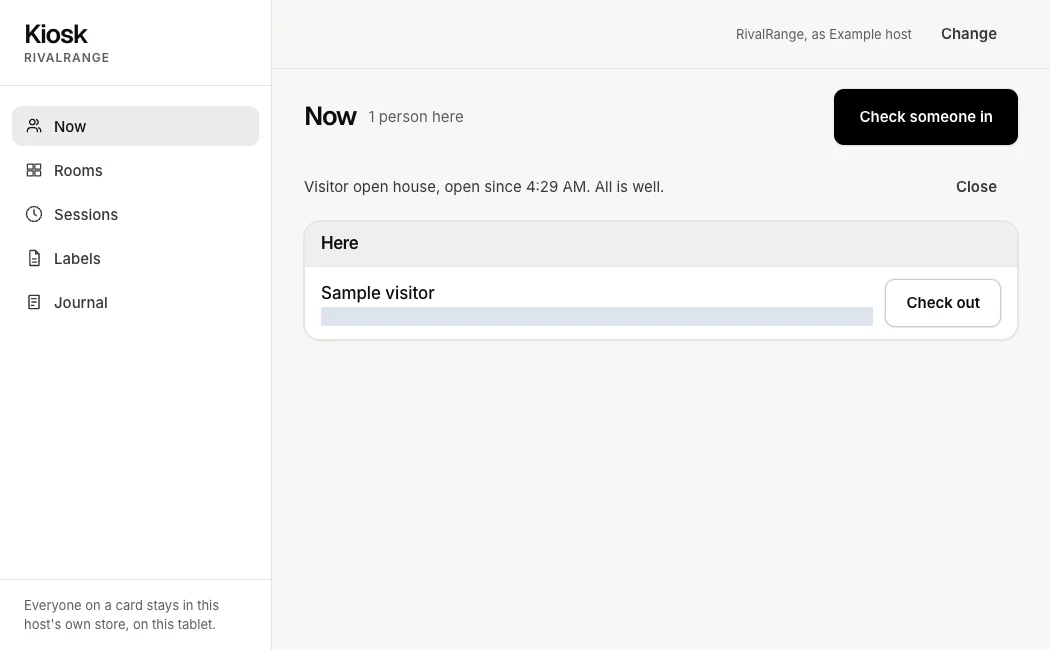
Check the guest out
After departure, the board shows 0 people here.
Operator workspace
Authorized range staff can open their own schedule or check in visitors through MembersPro.